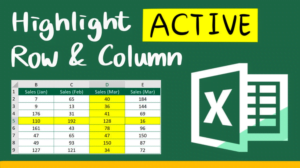
How to highlight current row and column in Excel?
In this article, I will show you how to highlight current row and column in Excel by changing the number format of cell.

In this article, I will show you how to highlight current row and column in Excel by changing the number format of cell.
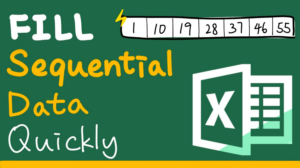
In this article, I will show you how to fill linear and growth sequence by fill command and fill handle. This will save you a lot of time.

In this article, I will show you two ways to apply serial number after filter. The first way is to add a new column of serial number and the second way is to make the serial number renumber automatically.

Duplicates sometimes can be a bad thing which lead to mistakes and wrong calculation. In this article, I will show you how to set a no duplicates rule to cells.

I will show you 6 different ways to get distinct values in Excel. “Remove duplicates”, “Advanced filter”, “Function”, “Formula”, “Pivot table” and “VBA”.
In this article, I will show you how to copy data from different sheets and paste them at once by using the clipboard.