How to Remove Bullets/Numberings in Excel
In this article, I will show you how to remove bullet points or numberings in Excel.

In this article, I will show you how to remove bullet points or numberings in Excel.
In this article, I will show you how to get random numbers with decimals in Excel. There are 3 formulae of your choice to cope with different situation.
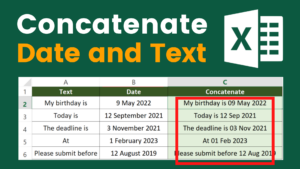
Very often we need to concatenate date and text in Excel. However, this is not as intuitive as you may think. If you simply use the CONCATENATE function, you may end up having something like “44690”. This is because the way Excel see dates is different from how we see dates.

In this article, I will show you how to display blank when referencing blank cell in Excel. I will provide you with 4 ways to achieve the result.
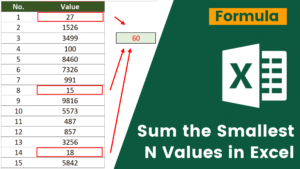
Summing is one of the most powerful use of Excel. However, SUM function doesn’t perform all the summing the way we want. For example, when we want to sum the bottom n values in Excel. You can sum those values by using + but it can cost you a few hours if you have a long list to add up.
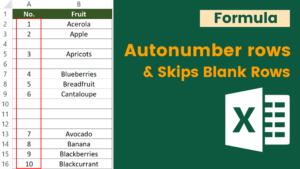
me time if the action can be automated. Some may suggest copy and paste. However, mistake may happen if we fail to pay enough attention.